Treekit
A Chrome extension that puts your Figma files one click away
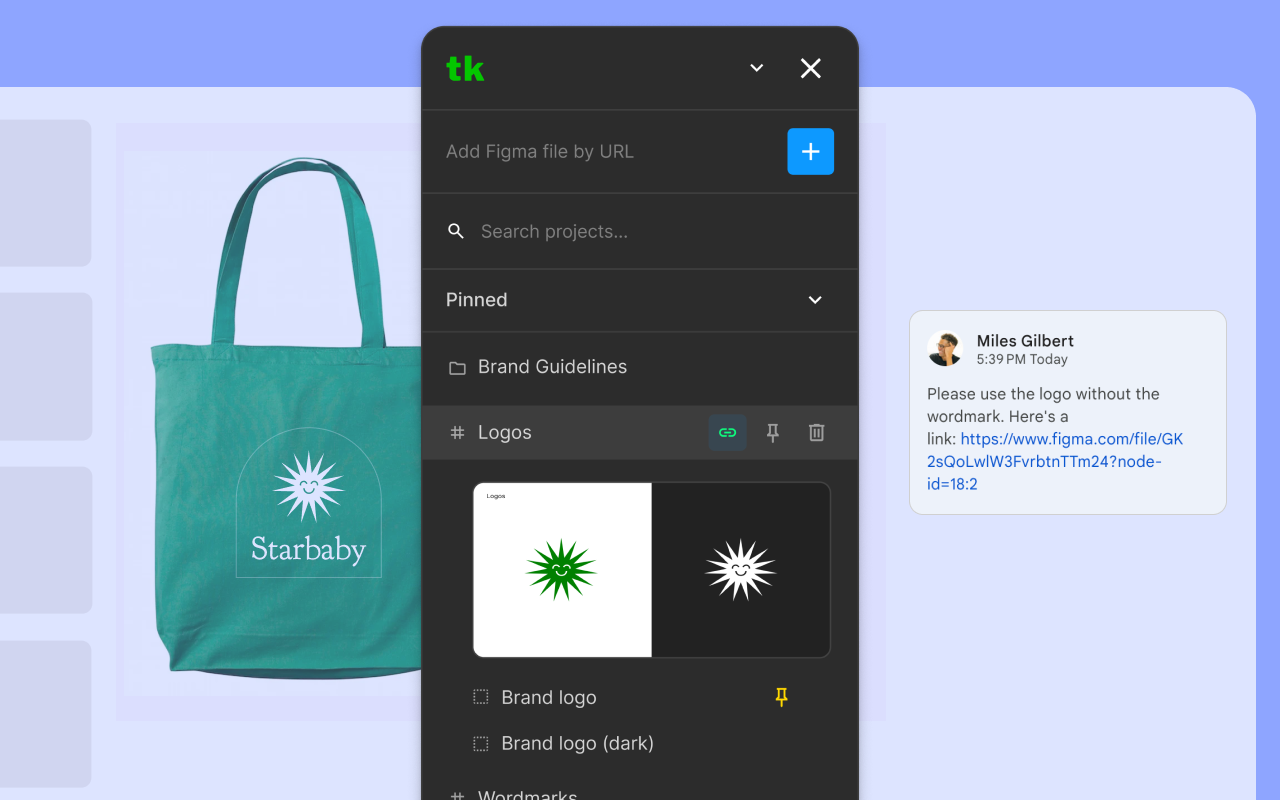
Treekit is a Chrome extension for designers, PMs, and engineers who live half their day inside Figma and the other half pasting Figma links into Google Slides, Asana, and Slack. It opens a draggable panel on any page, signs you in once over OAuth, and gives you a searchable tree of every project, page, frame, and group you have access to. Each one is a single click away from your clipboard.
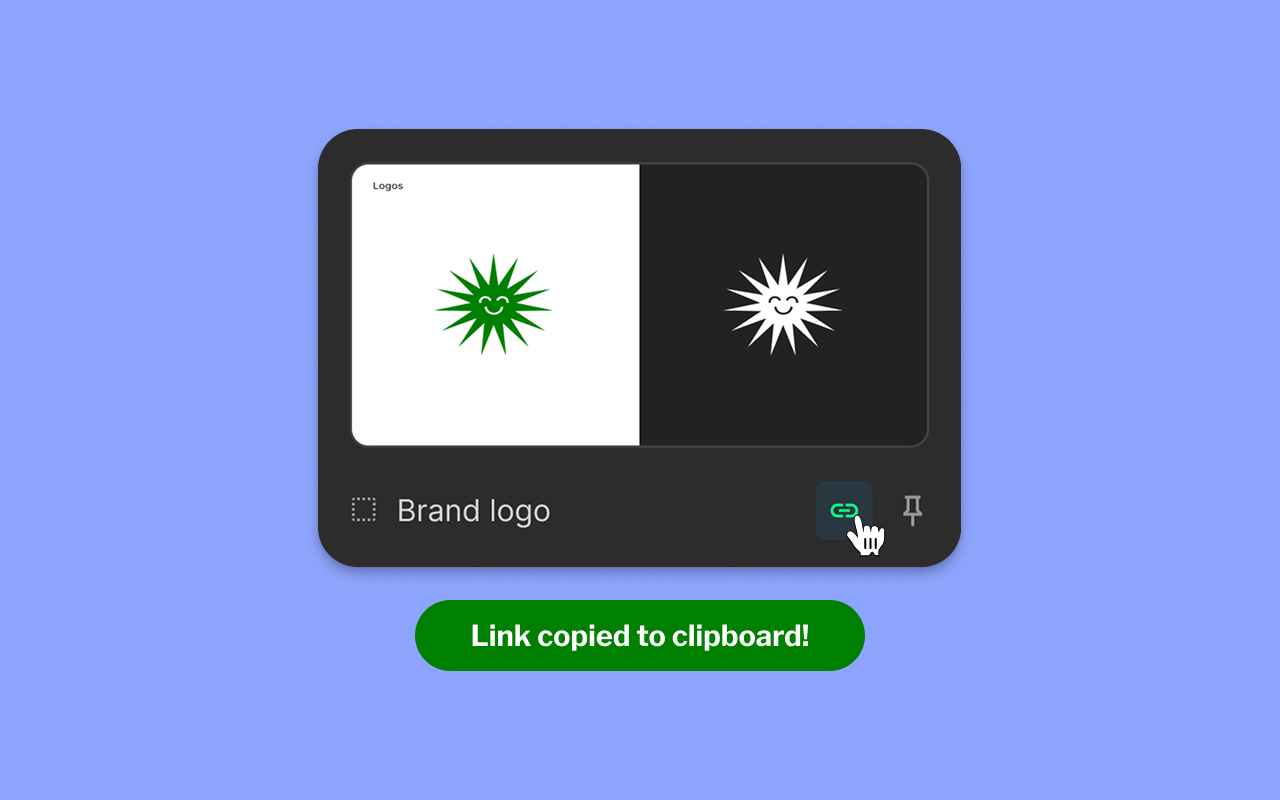
Every node in the tree (project, page, frame, group) has its own copy button that generates the canonical Figma URL pointing straight at that node. No more digging into the file, selecting the frame, and grabbing the share link by hand.
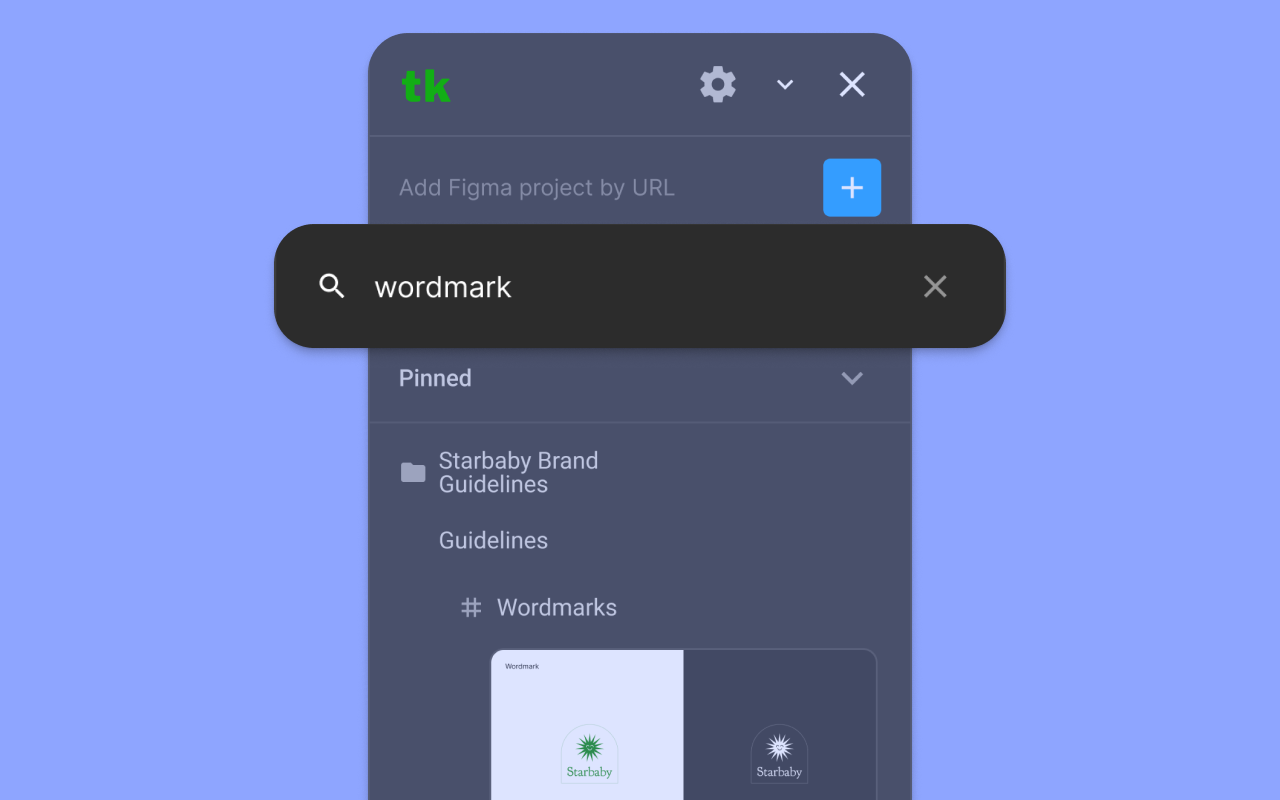
Search filters the entire hierarchy in real time and auto-expands matches, so a half-remembered frame name is enough to find what you're looking for across every file you can see.
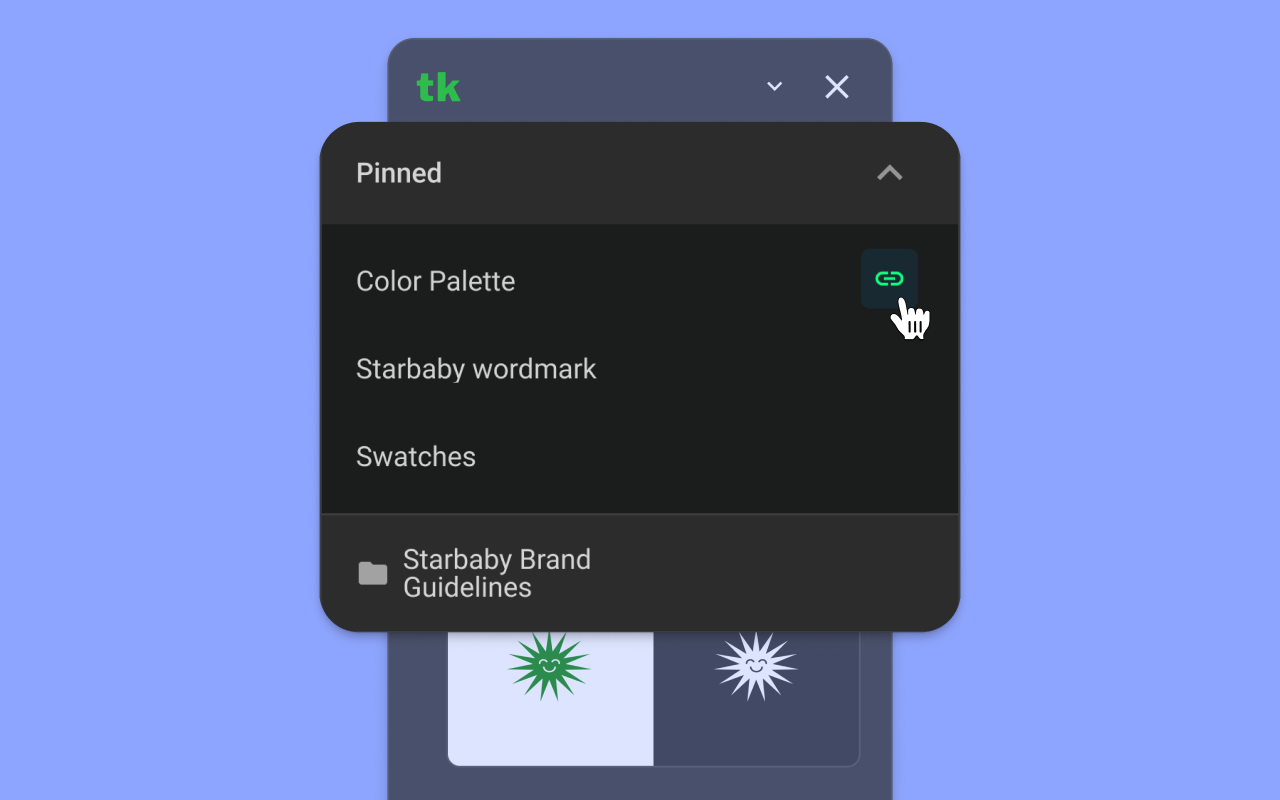
The Pinned section sits at the top of the panel and syncs across devices, so the frames you reach for every day (color palettes, wordmarks, component tokens) stay one keystroke from the clipboard.
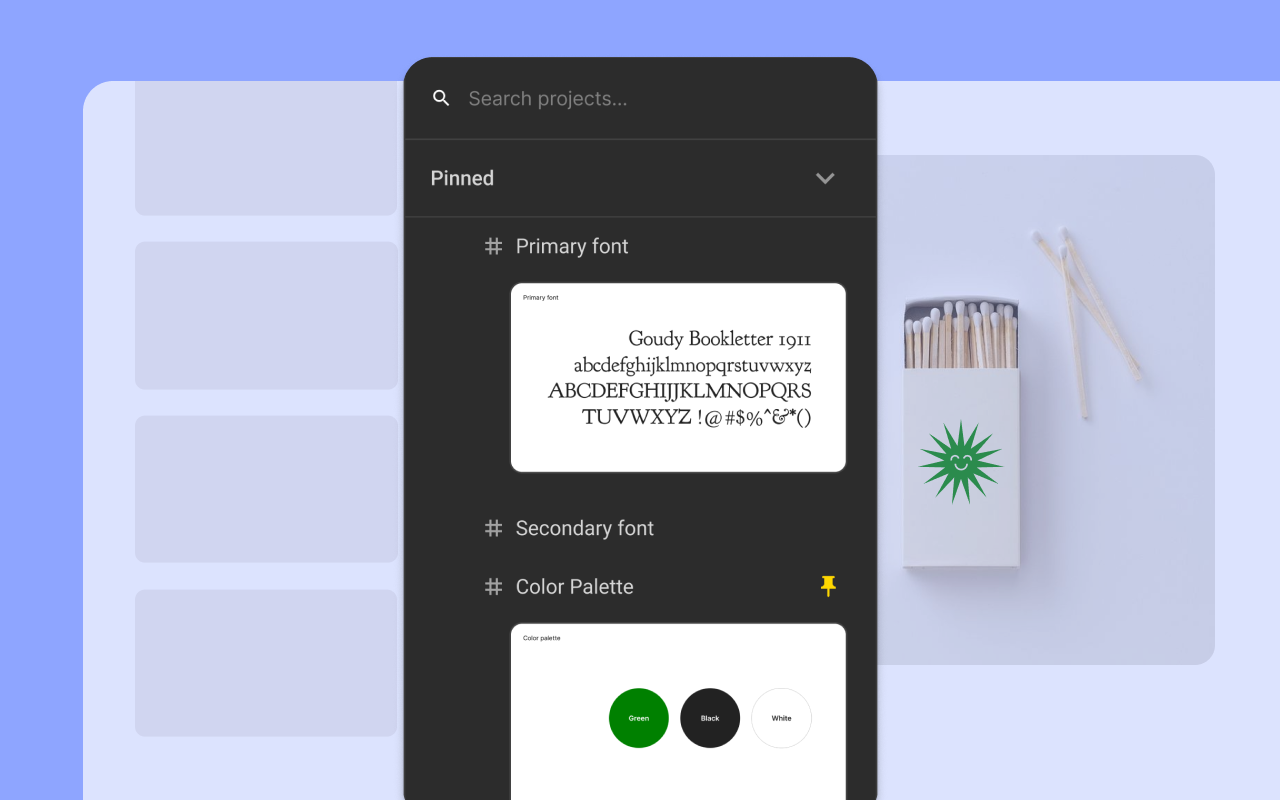
Frame previews render inline from the Figma image API, so you can confirm you've got the right specimen, swatch, or logo lockup before you copy it, without ever opening the file.
Under the hood, Treekit is a Manifest V3 extension with a content-script UI, a service-worker background, and a website-based OAuth flow that hands off token exchange to a Cloudflare Worker so the client secret never ships in the extension bundle.